
Voice to Text, Built for Vibing Developers
Speak naturally and code faster. SpeakToCode turns your voice into text using Whisper AI, running locally on your machine, and pastes it right into your editor. No cloud, no latency, just flow.
Windows · Free 15-day trial · No credit card required
Ship more, fix less
Your voice gives AI coding tools the context they need to get it right the first time. More detail in, fewer bugs out.
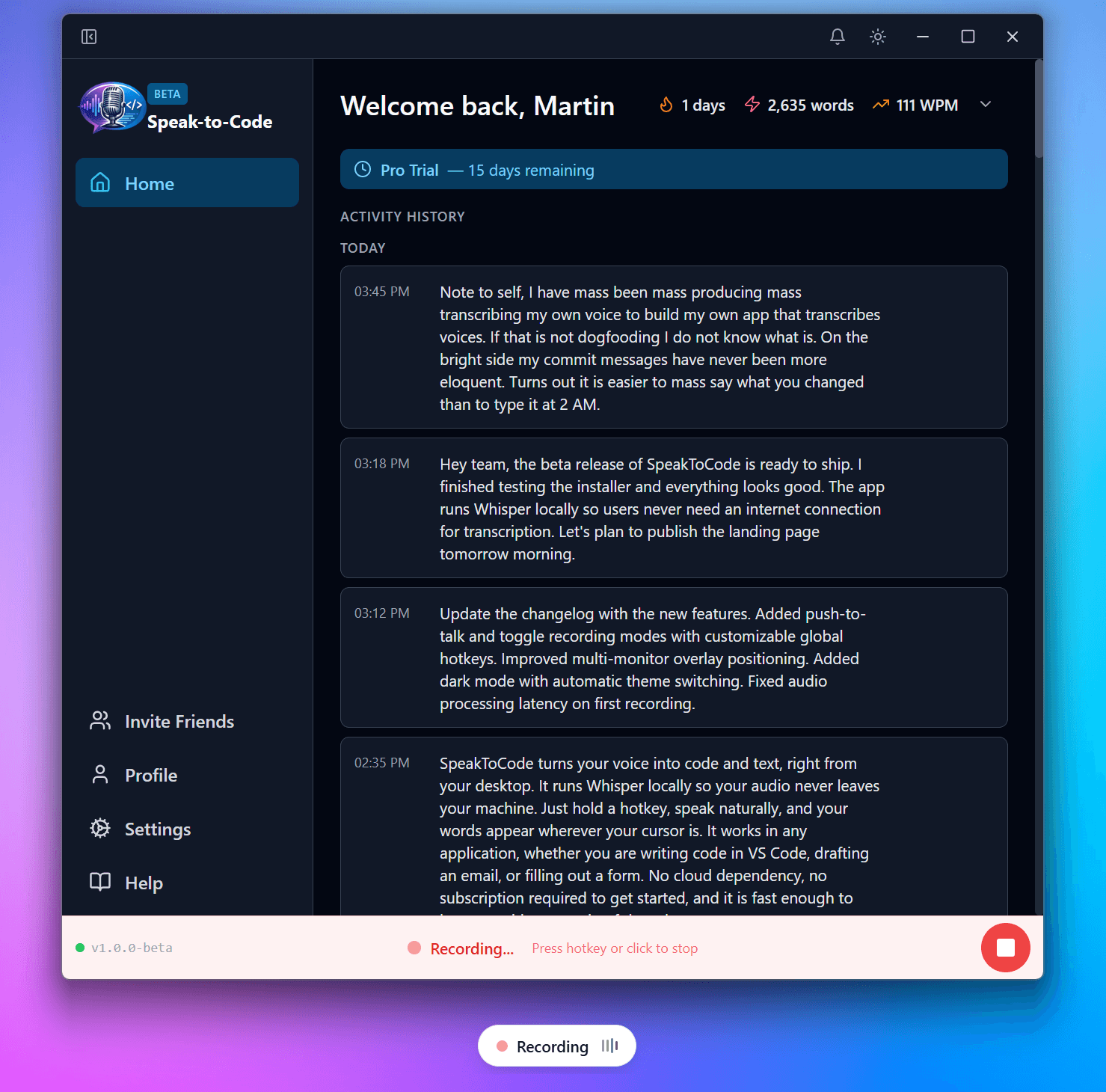
Voice captures the detail that gets lost when typing
Your voice never leaves your machine. Ever.
From speech to text, right where your cursor is
How It Works
Three easy steps to level up your coding workflow
Record Anywhere
Push-to-talk or toggle recording with customizable global hotkeys. Works system-wide, whether you're in your IDE, terminal, browser, or any app where you can type.
Transcribe Locally
Powered by OpenAI's Whisper running 100% on your machine. Pick from 7 model sizes to match your hardware. No internet needed. Your audio never leaves your device.
Paste Instantly
Your transcribed text auto-pastes right into the active window. No copy-paste dance, no switching tabs. Just speak and watch your words appear where your cursor is.
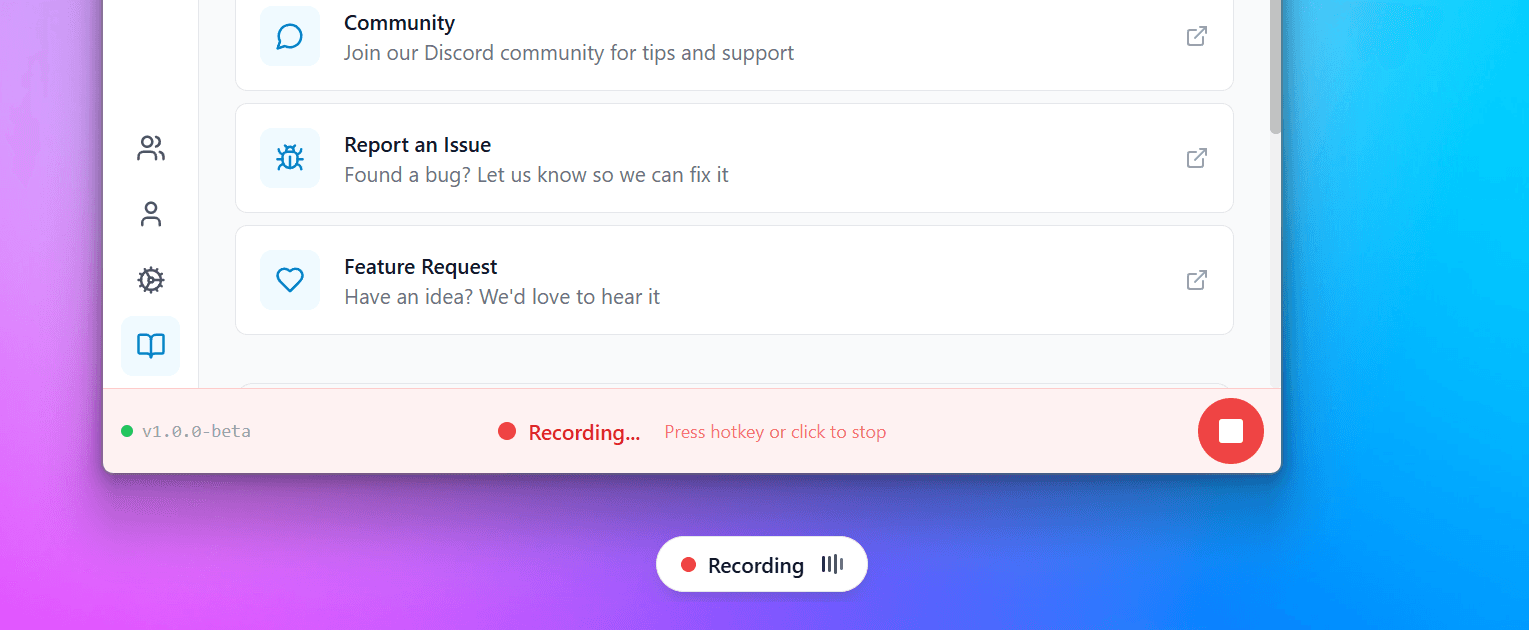
Multi-Monitor Overlay
A minimal, always-on-top overlay shows your recording status and transcription preview across all your monitors. Fully customizable position and duration.
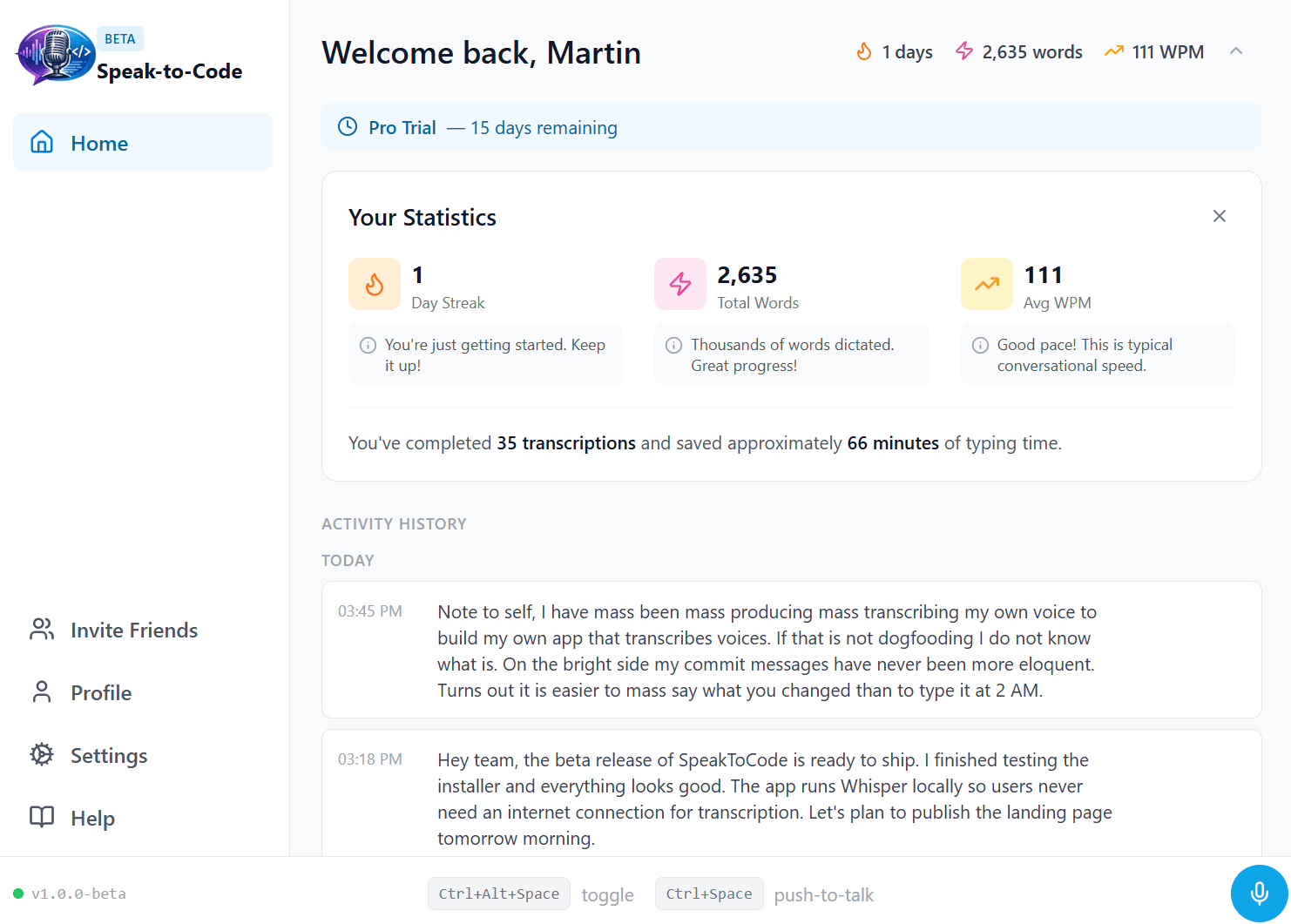
Usage Statistics & Insights
Track your dictation habits with detailed stats synced across devices. View word counts, session durations, and daily trends. Your transcriptions stay on your device, only anonymous usage stats reach the cloud.
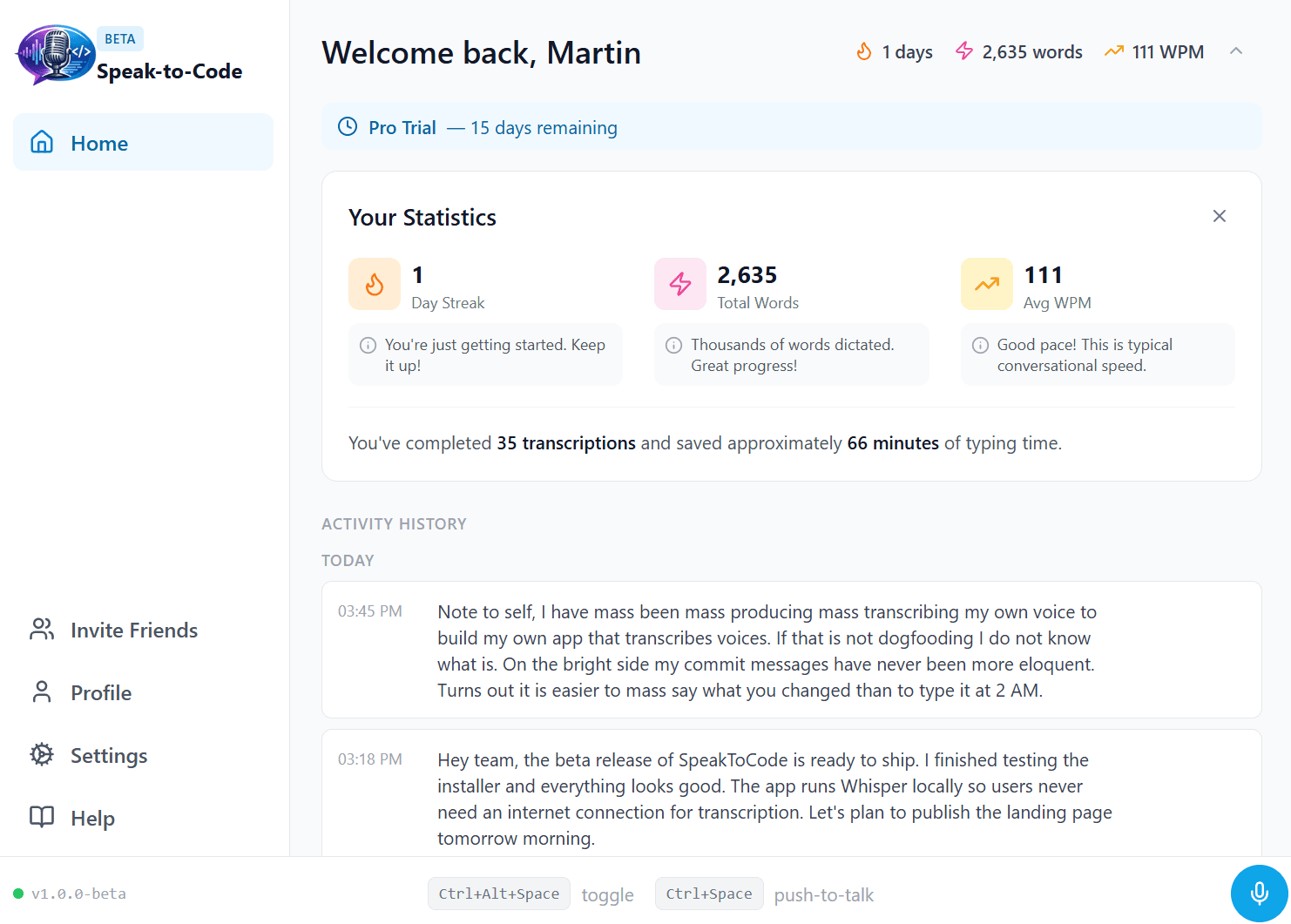
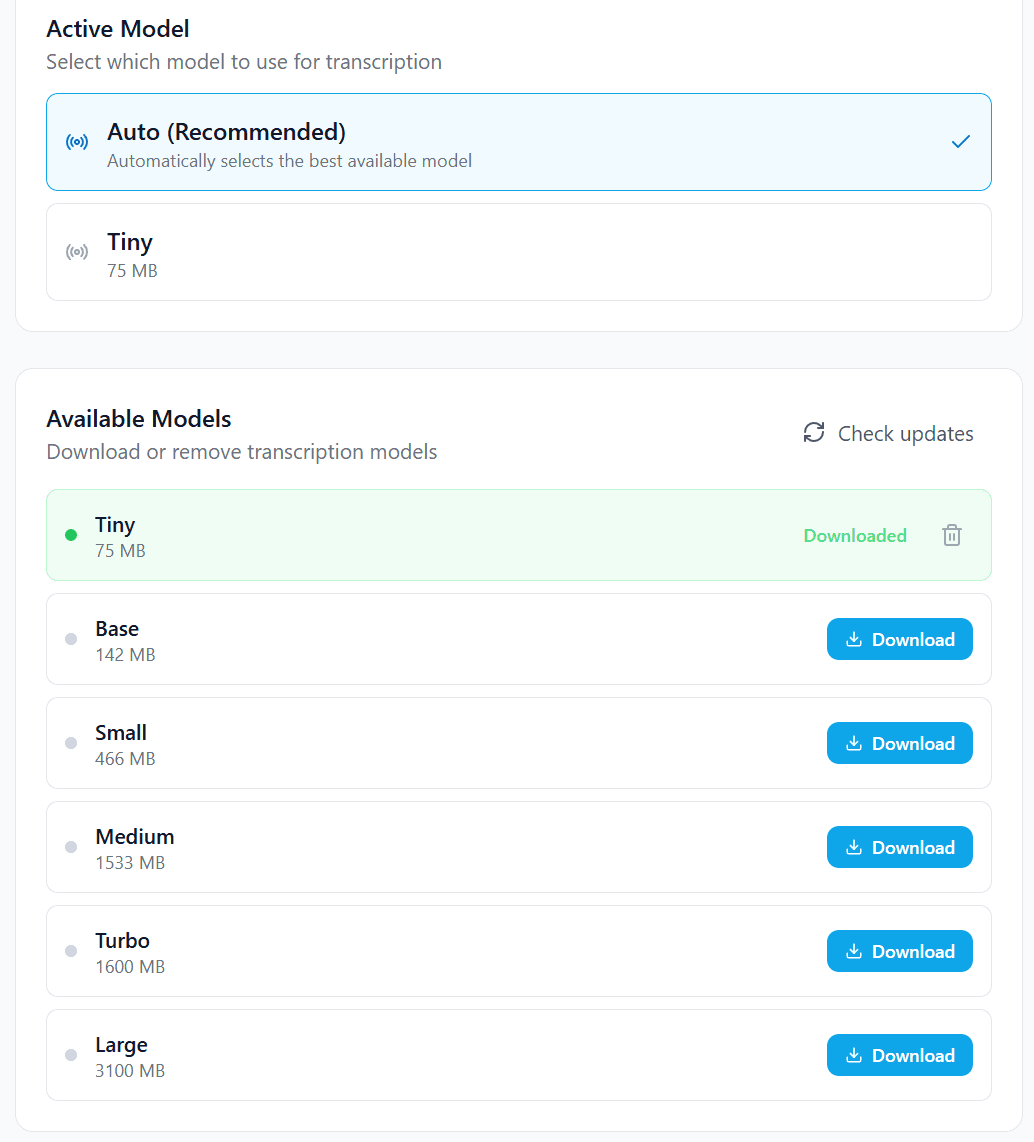
7 Whisper Model Sizes
From the ultra-fast Tiny model (75 MB) for quick notes to the highly accurate Large model (2.9 GB) for complex technical dictation. Find the perfect balance for your setup.
Your Voice Stays on Your Device
Unlike cloud-based dictation tools, SpeakToCode processes everything locally using Whisper AI. Your audio is never uploaded, never stored on remote servers, and never used to train models. Built for people who care about privacy just as much as productivity.
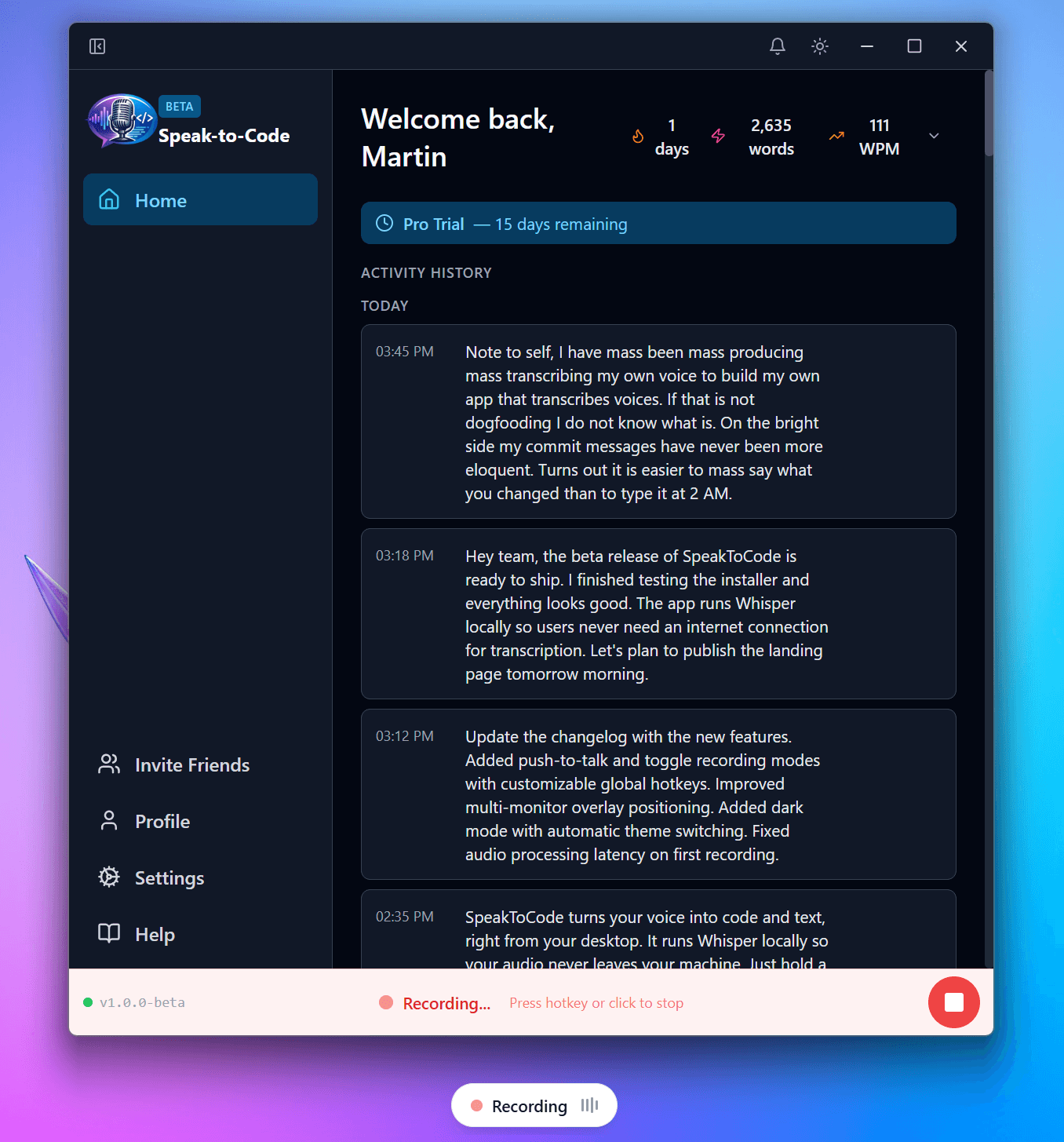
Works Everywhere You Do
SpeakToCode runs system-wide. Speak into any app — your words appear right where your cursor is.


What Builders Are Saying
Real people, real workflows, real results.
I used to spend forever typing out prompts for my AI. Now I just talk through what I'm building and it gets exactly what I mean. SpeakToCode changed how I vibe code.
Alex R.
Junior Developer
Speaking my ideas out loud gives AI so much more context than I ever typed. I ship features faster because my prompts are actually good now.
Sarah M.
Indie Maker
I was skeptical about voice coding, but once I tried explaining my project out loud instead of typing, everything clicked. My AI assistant finally understands what I want.
James K.
CS Student
Simple, Transparent Pricing
Start free. Upgrade when you need more.
Free
Great for trying out voice coding
- 2,000 words per month
- Tiny & Base models
- No Polish
- No cloud sync
Pro
For people who code by voice every day
- 10,000 words per month
- All Whisper models (tiny to large)
- On-device Polish & formatting
- Cloud sync & backup
Team
For teams that want to build faster together
Create a free account to get started
- Everything in Pro
- 5 team seats
- Priority support
- Team admin dashboard
- Volume discounts available